Fields
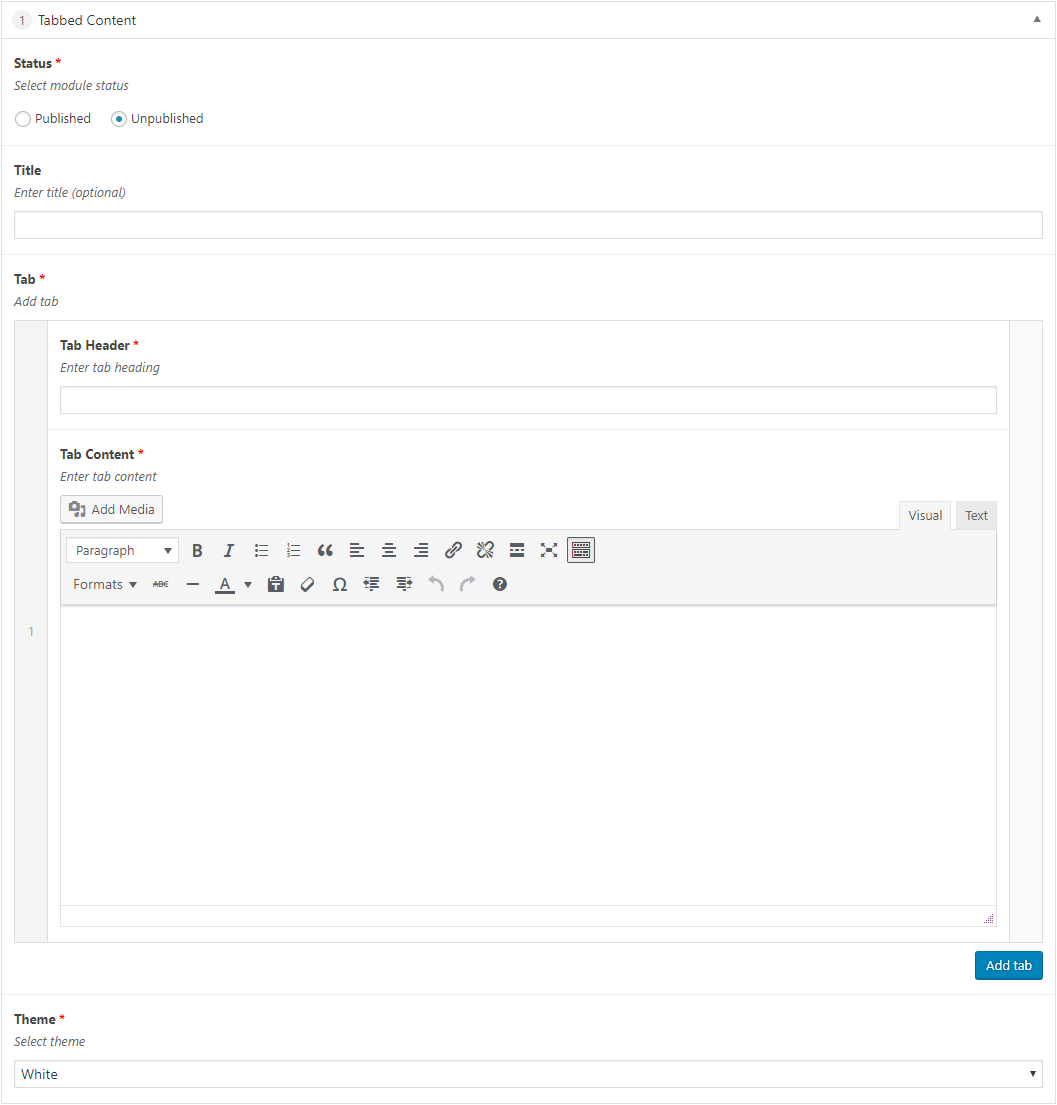
The following fields are used in the Tabbed Content content module:
Fields marked * are compulsory.
| Field | Action | Option / Content |
| Status * | Select | Published / Unpublished |
| Title | Enter | Optional module title |
| Tab * | Add | 1+ Tabs |
| Tab Header * | Enter | Required tab header |
| Tab Content * | Enter | Required tab content |
| Theme * | Select | White / Light / Dark |
About
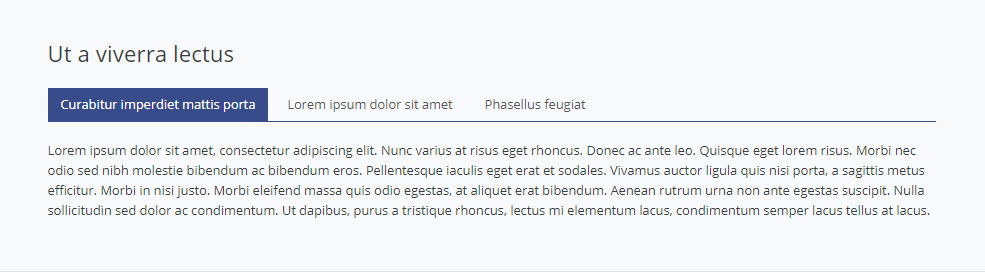
The Tabbed Content module provides the means to add sectioned content, enabling the inclusion of a lot of content within a relatively small area, with the Tab Headers being used to navigate between the corresponding Tab Content.
Tabbed Content Admin
The Tabbed Content Content Module appears as follows when added:
Adding a Tabbed Content Content Module
- Open the Page / Post on which you wish the Content Module to appear
- Click the Add Module button
- Select Tabbed Content
- Select the required Status
- Enter Title (optional)
- Enter Tab Header and Tab Content for the first Tab
Note that Tab Content can contain images, lists, text, links etc.
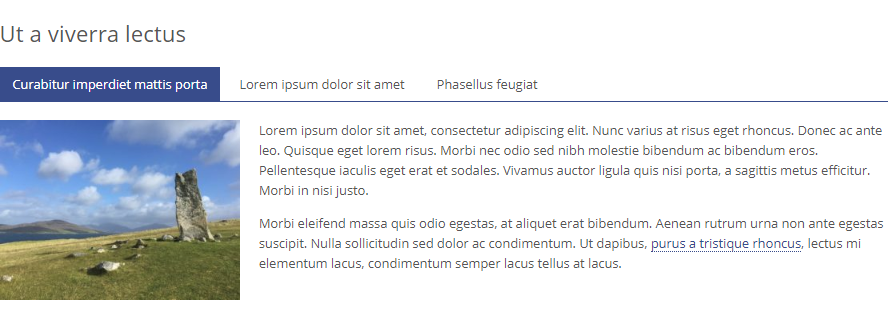
- Click the Add tab button to add subsequent tabs, entering a Tab Header and Tab Content for each Tab added
- Select Theme
- Click Save Draft / Publish / Update to save
Tabbed Content Themes
White Theme
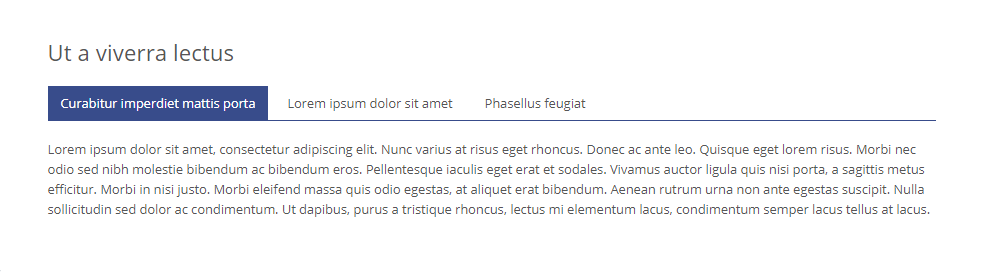
Light Theme
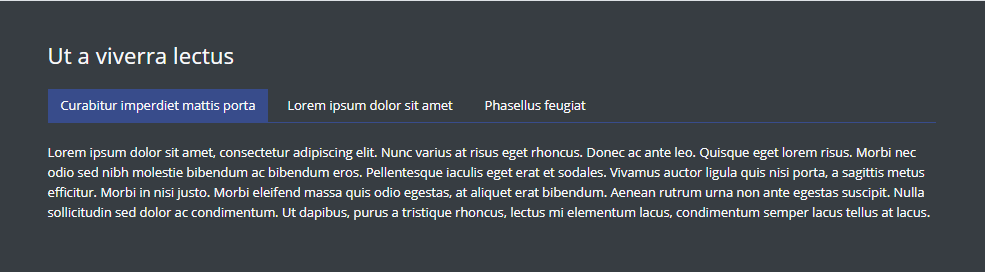
Dark Theme